If screen time turns into a nightly argument, the hours are usually not the problem. The negotiation around the hours is the problem, and it is fixable: agree the rules while everyone is calm, write them down, give a real warning before every transition, and follow through the same way every single time. Here is how to limit screen time without constant fights, step by step, with the words to say included.
Most families need about an hour of setup and a few days of steady follow-through before it feels different. The hardest part is not the conversation you have about screens. It is holding the same line on a Tuesday in February when you are tired and the arguing has worn you down.
Table of Contents
- What You Need
- Step-by-Step: How to Limit Screen Time Without Constant Fights
- Step 1: Choose how to limit screen time without constant fights together
- Step 2: Agree on when and where screens are allowed
- Step 3: Set consequences in advance and make them calm
- Step 4: Use parental controls as a backup, not the whole plan
- Step 5: Review the plan weekly and adjust it gradually
- Common Mistakes
- Setting rules only when the argument starts
- Using screen time as the only reward or threat
- Giving repeated warnings that have no consequence
- Changing the limit for every exception
- Frequently Asked Questions
- What is a reasonable screen-time limit for a child?
- Should video games count toward a child’s screen-time limit?
- How should screen-time rules differ on weekends?
- What should I do when my child gets extremely angry about losing screen time?
- How can I set screen limits for a child with ADHD or autism?
- Start With One Calm Week
What You Need
Before you change anything, gather four things: a current list of the devices and accounts your child uses, their input on what actually matters to them, two or three device-free activities they genuinely enjoy, and a place to charge everything outside the bedrooms. Add a kitchen timer, a calendar, and access to the parental controls already built into your devices.
That last one is worth pausing on. The built-in controls on an iPhone and on an Android phone do most of what families ask third-party apps to do, at no cost and without handing a stranger’s app a view of your child’s activity. Later in this guide I name the exact menus for each, along with the difference between iOS and Android.
Also decide in advance what success looks like. It is not perfect compliance, and a week where the plan holds on five nights out of seven counts as working. Treating the first fortnight as data rather than a verdict is what keeps families from abandoning a good plan during the loud part.
Step-by-Step: How to Limit Screen Time Without Constant Fights
Step 1: Choose how to limit screen time without constant fights together
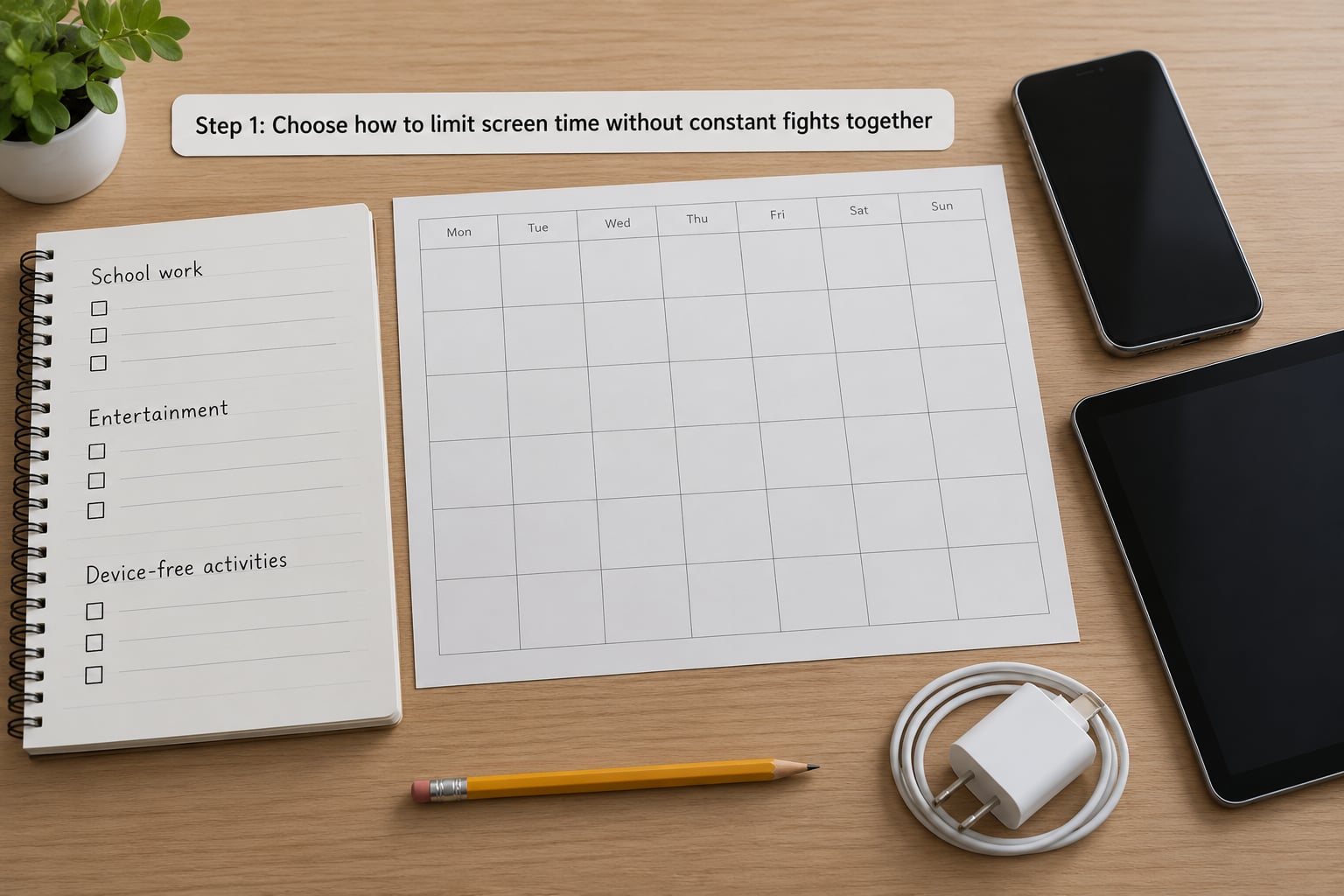
The single biggest change is moving the conversation out of the 8:45pm stand-off and into a calm window, like a Sunday afternoon or the drive home from errands. Ask your child which specific activities cause the most friction and which ones they would defend with real feeling. Then separate essential use from entertainment use, and pick one or two boundaries you can both live with.
A script that works: “I want to understand which parts of your day are hardest right now. Tell me the three that feel worst, and I will listen to all of them before I say anything about changing anything.”
The step is working when both of you can restate the chosen boundary without arguing, and when the limit is specific. “Less screen time” is hopeless. “Gaming stops at 8pm on school nights” is enforceable.
Step 2: Agree on when and where screens are allowed
Write a short set of family-wide rules that fit on one page. Cover ordinary days, school nights, weekends, and exceptions. Decide where devices live during meals and in bedrooms, whether phones charge in the kitchen or the living room, what happens to notifications during school, and what exactly occurs when the limit is reached.
Give your child real choice inside the boundaries you set. Let them pick which streaming show fills the family window, or which two games fill the weekend block, or which day of the week is the long one. A child who chose Tuesday from three options will end Tuesday far more reliably than a child told that Tuesday exists.
Adults follow the same core rules: no devices at the dinner table, phones charged outside bedrooms, one screen at a time in the evening. Say plainly that the rules apply to everyone in the house and that the adults are also giving something up, because otherwise the chart reads as a list of things done to a child.
The step is working when every caregiver in the home could point to the same chart and apply it the same way without asking anyone else what the rule is.
Step 3: Set consequences in advance and make them calm
Pair each limit with one immediate, predictable, respectful consequence, decided during the calm conversation. The best ones are boring: the activity ends when time expires, gaming pauses until the next scheduled window, the device goes to the charging spot for the night. Predictable outcomes are what separate a plan from a power struggle.
Three scripts worth keeping in your back pocket. For the warning: “You have five minutes. The timer starts now, and at the bell the game pauses until tomorrow afternoon.” For the enforcement: “The timer went off. I am not angry, and this is not new. I am turning the console off now, and you are welcome to pick something from the activity list.” For disrespect: “You are angry and you are allowed to be. The rule still holds, and we can talk about it at nine.”
A consequence is not a punishment designed to cause distress. If your child is throwing things, take a short pause, sit nearby in silence, and resume once breathing is normal. Then go back to the chart rather than the argument.
The step is working when you use the same wording every time and the child knows the outcome before the negotiation starts.
Step 4: Use parental controls as a backup, not the whole plan
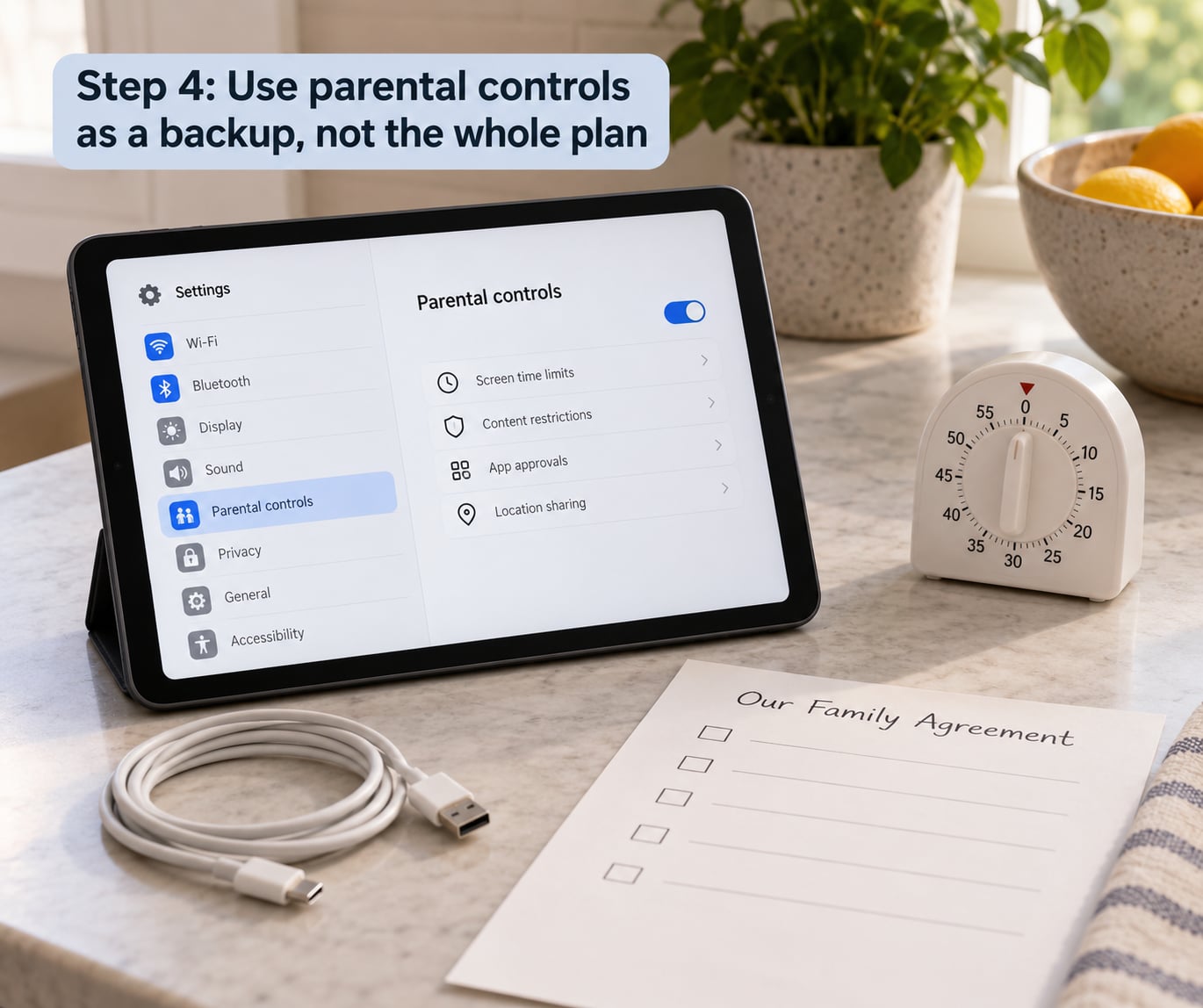
Only set the technical controls after the family agreement exists. Controls used as enforcement from the start tell your child the relationship is adversarial, and you lose the room you want to have later.
On an iPhone, open Settings, then Screen Time. Downtime sets blocks by schedule or location, App Limits sets daily caps per app or category, Always On blocks a device entirely until a passcode is entered, and Ask to Buy requires approval for purchases. Set Screen Time passcodes so your child cannot simply turn the whole thing off, and check Ask to Buy under Family Sharing if the account is a child’s.
On an Android phone, open Settings, then Digital Wellbeing. Focus mode creates a scheduled block for chosen apps, App timers set a daily limit per app, and Notifications lets you silence specific apps. Purchase approvals sit under Google Play, Family controls, in the Google Play Store app. Android also offers a grayscale display setting under Accessibility, Display and text size, which many families find makes short-video apps noticeably less interesting within about a week.
Menu labels shift between versions, so look for the same function under a slightly different name rather than assuming it is missing. Sit down and test each setting together, and tell your child you are doing it. Keep a manual version of the plan on paper for system updates and for devices you do not control.
The step is working when the timer gives a warning your child can hear, and when they can reach for the next activity without asking you for permission.
Step 5: Review the plan weekly and adjust it gradually
Book a short weekly check-in, ten minutes, on a set day. Keep it solution-focused rather than accusatory: what went well, which conflicts are still happening, is the limit realistic, and what is missing. Ask what they would change if they ran the household for a week. You do not have to agree, but repeating the question teaches them that the plan is a living document rather than a verdict.
If your child routinely blows past the limit, do not escalate. Remove friction instead: move the console to the living room, shorten the session and add a second one, or pair the device window with something they are already doing. Improve the transition warning, and reset the plan rather than piling on punishment.
Expect the loudest week to come early. A parent in a Reddit discussion described the pattern plainly: the child is calm for twenty minutes with the phone, then everyone is miserable for the twenty minutes after it goes away. That stretch is the pattern weakening, not evidence that you are doing it wrong.
The step is working when you can name two routines that now happen without reminding, choose one adjustment, and everyone agrees when the new version gets tried.
Common Mistakes
Setting rules only when the argument starts
Rules invented mid-conflict feel arbitrary, so your child fights the fairness of the rule rather than the rule itself. Discuss the boundary during a calm window, write it on the chart, then enforce the already-agreed consequence without reopening the debate. Instead of negotiating a new gaming limit after a warning, follow the chart and offer the next scheduled screen period.
Using screen time as the only reward or threat
If devices are the family’s main currency, every conflict turns into a bidding war over the same chips, and nothing else teaches your child to manage their own frustration. Reinforce other things instead: specific praise, an activity already prepared, extra family time, or a naturally occurring privilege like choosing the weekend film. Keep any agreed screen consequence short and proportionate. Praise the child for starting homework on time before you have to remind them about the transition.
Giving repeated warnings that have no consequence
Five or ten warnings move enforcement to the last possible second, and your child learns that the real deadline is a fight. One advance warning, a visible timer, and a specific endpoint is enough. Try: “You have five minutes to save your game. At the timer, the console pauses until tomorrow at four.” Then stop talking. A silent adult is easier to argue with than a raised one.
Changing the limit for every exception
Deciding case by case turns every night into a fresh negotiation, and your child learns to present each evening as an emergency. Define exceptions in advance and keep the list short: a family trip, a school assignment, a device temporarily needed to reach a caregiver. Record the replacement time when it is practical, so extra travel entertainment swaps into the usual evening window rather than stacking on top of it.
Frequently Asked Questions
What is a reasonable screen-time limit for a child?
The American Academy of Pediatrics advises no screen time other than video calls under age two, up to about an hour a day of high-quality programming for ages two to five, and consistent limits from age five that protect sleep, movement, schoolwork and family time. Those numbers are a starting point, not a scorecard. Pick a limit your child can hit most days, write it down, and adjust it every few weeks rather than weekly.
Should video games count toward a child’s screen-time limit?
Count them. Any activity that happens on a screen displaces the same things: sleep, movement, homework, or time with people. The useful question is not whether gaming counts but whether the total leaves room for the rest of the day. Some families handle it by naming gaming windows rather than a daily total, which gives your child a predictable session to plan around and removes most of the arguing.
How should screen-time rules differ on weekends?
Keep the core rules identical and change only the schedule. Weekends usually deserve a longer block, because the routine around them is different, but the rules about meals, bedrooms, and adult follow-through should not move. Set the weekend window in advance, decide who is responsible for the timer, and write it in the same place as the school-night rule so there is one document, not two.
What should I do when my child gets extremely angry about losing screen time?
Stay low and stay still. Acknowledge the feeling without reopening the limit, lower your voice, and stay physically close while they calm down. Do not add consequences in the heat of the moment, and do not take the phone away again as punishment for the anger. If anger regularly turns into throwing, breaking things, or threats to hurt themselves, stop managing screens alone and talk with a pediatrician or a qualified mental health clinician.
How can I set screen limits for a child with ADHD or autism?
Add a visible transition warning and a short, predictable end rather than a sudden cutoff, and break a long session into two shorter ones so a one-hour cap does not feel like the whole evening. For kids who struggle with time perception, a sand timer or a visual countdown matters more than a phone notification. Many families get better results with a shorter, steadier limit they can follow than a strict one that fails nightly. Ask your pediatrician about individual support too.
Start With One Calm Week
Write down what the current routine actually is, not what you wish it were. Ask your child where the arguments are hardest, then choose one boundary rather than five. Agree one consequence and one replacement activity, put the chart on the fridge, and check back in seven days.
Judge the week by predictability, not obedience. Fewer surprise arguments, a warning that lands before the cutoff, and adults who follow the same rules are the wins. Repeat the same words, keep the exception list short, and adjust slowly. The plan works when nobody has to negotiate the plan any more.