Organizing family health records comes down to one central place, one cover sheet, and one dated file naming rule. Give yourself a weekend, expect the first pass to take two or three hours, and the system takes about fifteen minutes a week to keep current.
Most families already have pieces of this. What they lack is a single spot where a teenager’s sports physical, a parent’s blood thinner refill, and an insurance card can all be found in under a minute. That gap matters most at appointments, when you are asked for the one document you cannot produce, and during emergencies, when nobody has time to search a kitchen drawer.
Below is the setup I use. It works whether your records live in a physical binder, in a cloud folder, or split across both.
Table of Contents
- What You Need
- How to Organize Family Health Records: Step by Step
- 1. Choose One Central Location
- 2. Create a Family Health Record Cover Sheet
- 3. Sort Records by Person and Type
- 4. Add a Current Medication and Allergy List
- 5. Digitize and Back Up Important Pages
- 6. Create an Emergency Information Sheet
- 7. Review and Update the System
- How to Organize Family Health Records When You Care for an Aging Parent
- How Far Back to Collect Records
- Common Mistakes
- Frequently Asked Questions
- What is the best way to organize medical paperwork?
- How should medical records be stored?
- How do I keep track of family medical history?
- How far back should family health history go?
- What is the best software for organizing personal medical records?
- How do I get copies of old medical records?
- Conclusion
What You Need
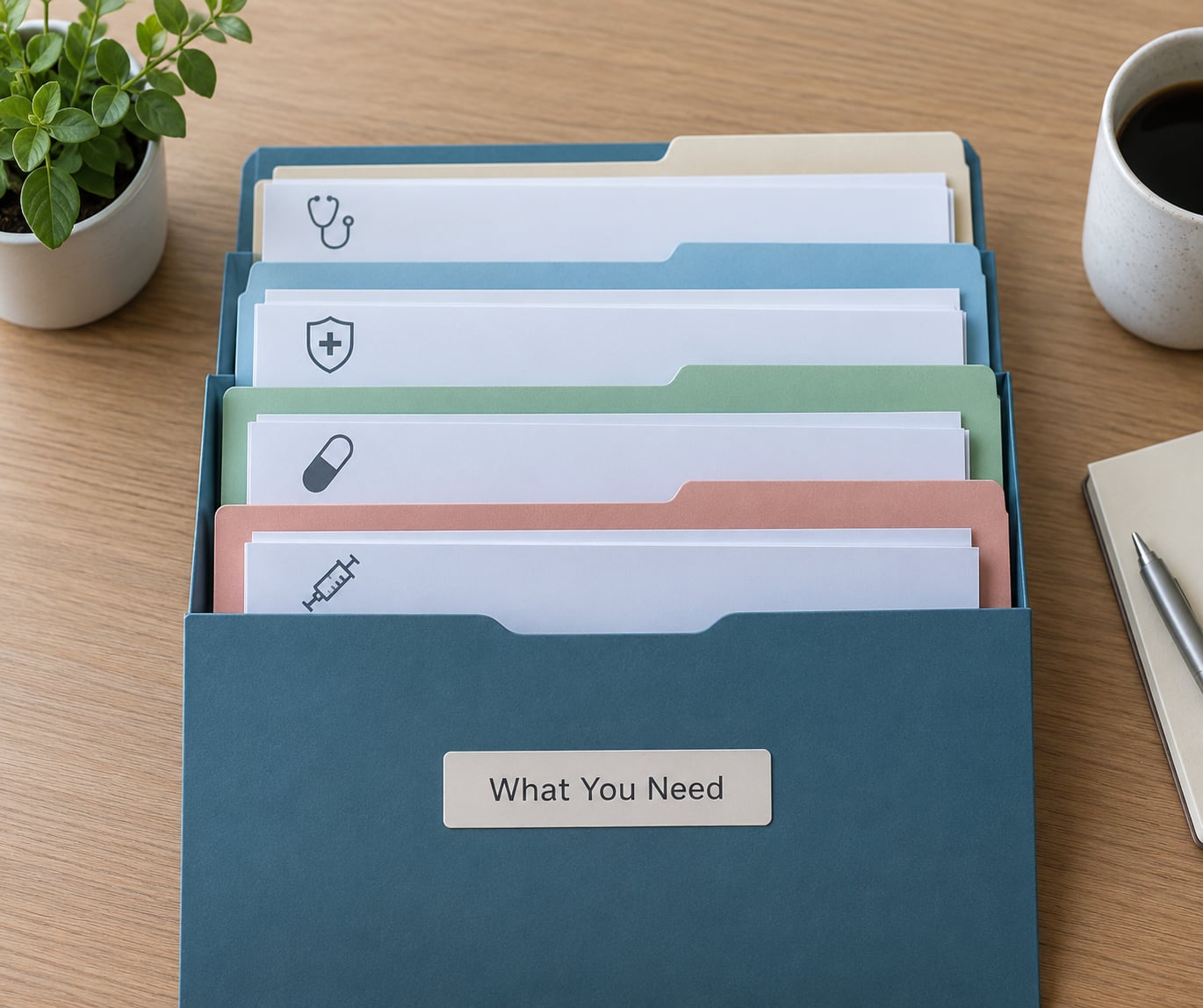
Gather these before you start sorting. Having everything in one pile or one folder for a single afternoon is the difference between a two-hour project and a two-week one.
- Identification for every household member. Full legal names and dates of birth, because portals and bureaus match on spelling.
- Insurance information. Member ID numbers, group numbers, the customer service phone number, and the address for filing claims.
- Provider contacts. Names and phone numbers for each primary care office, dentist, pharmacy, and specialist.
- Immunization records. School and travel forms count as separate documents worth keeping.
- Current medication and supplement lists. Include what is in the cabinet at home, not only prescriptions.
- Known allergies and past surgical history. Even with no dates, these belong somewhere written down.
- Existing paper and digital records. Mail folders, patient portal downloads, photos of paper charts, anything.
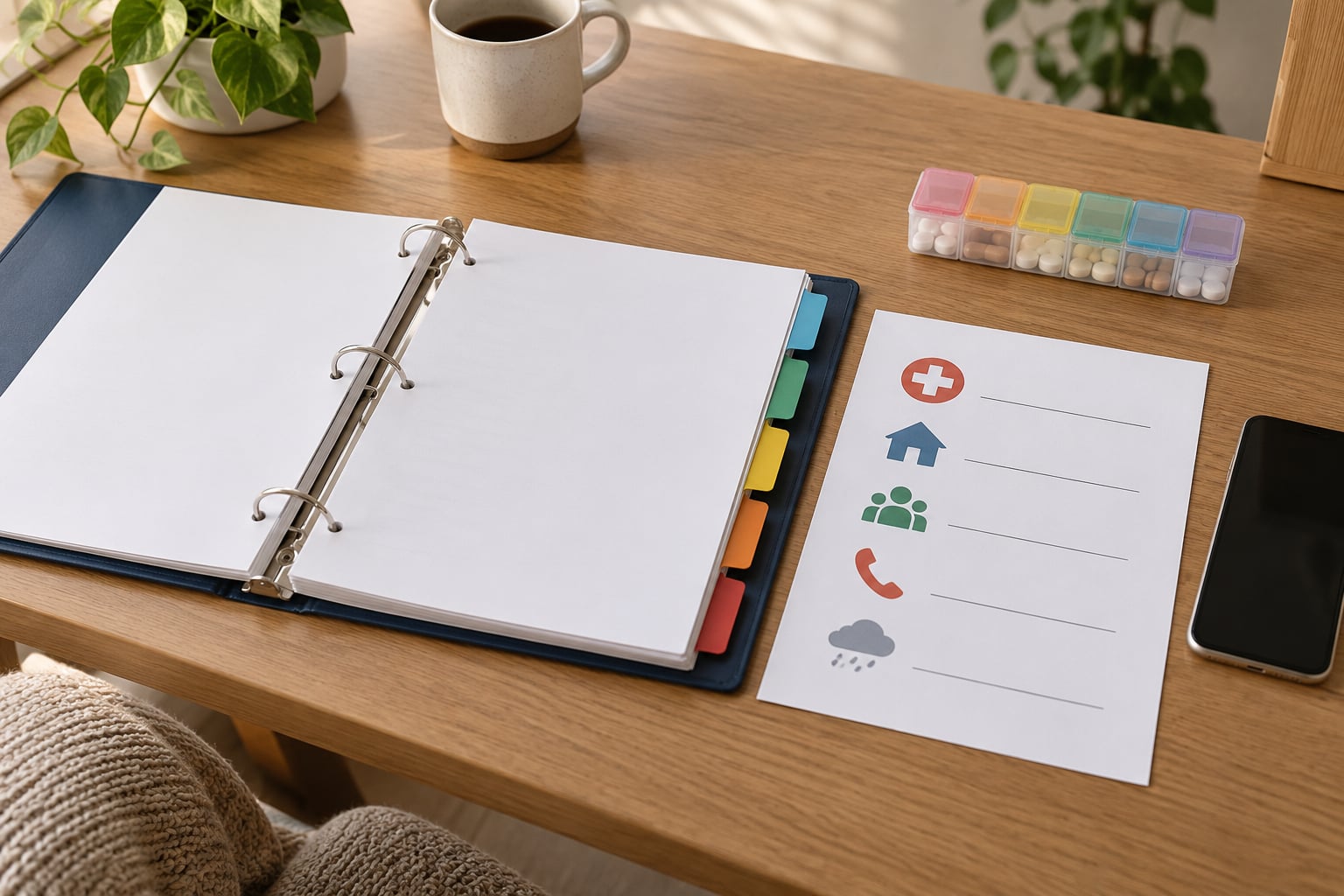
A three-ring binder with tabbed dividers is the simplest physical container. For digital storage, a folder inside a cloud service that your household already pays for works better than a special app you will stop opening in month two.
One note before you go further: this is record keeping, not medical advice. Medication doses, test interpretations, and treatment decisions belong with your doctor or pharmacist, and this article stays clear of all three.
How to Organize Family Health Records: Step by Step
1. Choose One Central Location
Pick a single location that every authorized person can understand without being told twice. For paper, that is a labeled binder in a dry, private cabinet rather than a shoebox that gets moved during every cleaning. For digital, that is one folder in cloud storage rather than a desktop, a phone, and an email account that each hold a different share.
Ask one question: if a caregiver needed this tonight at nine, would they know where to look? If the answer is unclear, the location is wrong, no matter how good the rest of the system is.
The same problem turns up in almost every aging-caregiver forum: information scattered across several patient portals, each with its own login, and paper paperwork somewhere else entirely. Consolidation is the whole job. You will know it worked the first time someone hands you the right document without you asking twice.
2. Create a Family Health Record Cover Sheet
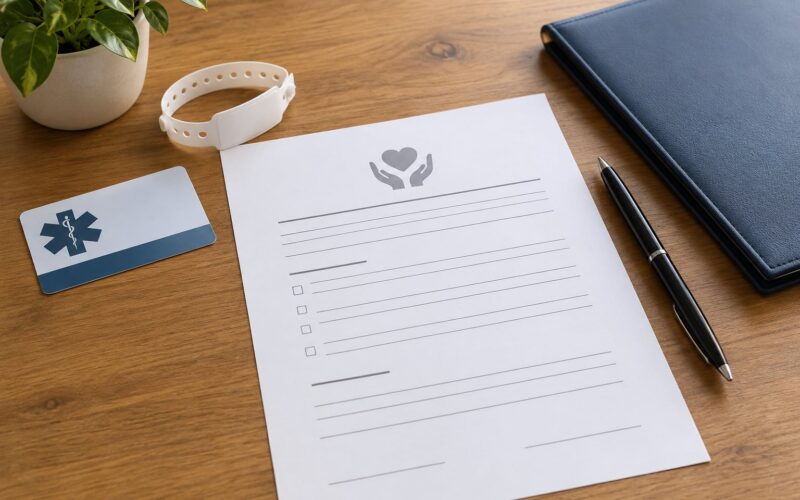
The cover sheet is a single page that answers the questions a doctor, sitter, or grandparent asks most often. It goes at the front of the binder or the top level of the digital folder, and it points to everything else rather than duplicating it.
Include each household member’s full name and date of birth, primary doctor and pharmacy, allergies, emergency contacts, insurance details, and where the rest of the records live. Add a note naming who is authorized to be given medical information, since that question comes up often and deserves a written answer.
Print two copies. One stays with the records and one goes in the wallet or phone of whoever is most likely to be called during an emergency.
3. Sort Records by Person and Type
Two levels of sorting handles most households: first by person, then by document type inside each person’s section. The types worth keeping separate are visit notes and after-visit summaries, lab results, imaging reports, medication lists, immunization records, insurance documents, and any care plan a clinician has written.
Alphabetical folders are the trap. One person’s records end up under “Chen” while the other sits under “Emergency,” and six months in nobody remembers which tab holds the blood work. Physical dividers or digital subfolders labeled with both the person and the category avoid this entirely.
Once sorted, apply the file naming rule that quietly fixes most retrieval problems: date first, then source, then document type. A name like 2026-04-14_chen_labresults.pdf sorts correctly every time, on every device, in every folder view. That single rule matters more than the filing system itself.
Use the same format on paper by writing the date and document type in the top corner of each page before it goes in the binder. An undated stack of paperwork is the thing nobody can search later.
4. Add a Current Medication and Allergy List
Build one dated list covering prescriptions, over-the-counter medicines, vitamins, and supplements, plus allergies and any ongoing conditions. Keep it to one page, and note which doctor or pharmacist confirmed it and on what date.
This is the single document you will use most. Bring it to every appointment, update it the day anything changes rather than at the end of the month, and print a spare for the fridge. A doctor can add or correct an entry; that is exactly what the list is for, and it is not a substitute for asking about any change.
5. Digitize and Back Up Important Pages
Scan or photograph anything you would be upset to lose: after-visit summaries, lab and imaging reports, immunization cards, insurance documents, and signed consent or advance directive forms. Keep the paper originals. A scan is a convenience copy, not a replacement, and clinics still often want to see the original signature.
Store the digital copies in the same central location you chose in step one, and keep one backup somewhere separate. A second copy in cloud storage with automatic backup protects against a lost phone or a spilled coffee; a second copy in a different household protects against fire and theft.
Use a folder with real access control. Health information is sensitive, and a folder shared with a whole group chat is not storage, it is a distribution list. Share individual files with named people and review who has access when someone moves out, changes jobs, or stops being a caregiver.
6. Create an Emergency Information Sheet
The emergency sheet is a trimmed version of the cover sheet designed to be read fast under stress: allergies, current medications with dose and frequency exactly as prescribed, conditions, doctor and pharmacy, insurance, and two emergency contacts.
Keep it in three places: printed and current in the binder, a copy in a phone, and a copy on the fridge. Do not rely on a file that requires unlocking a laptop or finding a password under a mat. If anyone in the household cannot find the emergency sheet in under a minute, the system is not finished.
7. Review and Update the System
Set a recurring fifteen-minute review, monthly works well, plus a fast track after appointments, medication changes, school enrollment, travel, insurance changes, or a new diagnosis. Walk in and ask one question: is anything new, and does the cover sheet still say what was true last month?
A quarterly fifteen-minute sweep for the rest of the paperwork is worth it. File new documents, confirm the backup still runs, and remove duplicates you no longer need. A system that gets reviewed survives; a system that gets built once quietly rots.
How to Organize Family Health Records When You Care for an Aging Parent
Caregiving adds a person who is not in the household and often not in the room. The setup changes in four ways: ask the provider to list the patient as an authorized contact so results reach you directly, consolidate every portal the parent has into one login set you also hold, keep one printed binder at their home for the sitters and the aides who do not use your phone, and document who has a key and who has the codes.
When records live in several portals, handle it in one session. Log into each one, download the full history section, rename files with the same date-source-type rule, and put everything in the parent section of the binder you already built. Keep a written list of portal logins inside the records, stored separately from the records themselves.
For history that predates all of this, records are requested from the provider’s medical records department in writing, with a copy of the request and a fee paid in advance where the state allows it. For a closed practice, the state medical board can usually point you to the custodian of the records. For someone who has died, the authority to obtain records usually sits with the personal representative or the executor, and vital records such as a death certificate come from the vital records office in the state where it was issued.
Ask for records in writing, keep a copy of every request, and follow up after two weeks. A request without a paper trail often disappears into a fax machine.
How Far Back to Collect Records
There is no single rule, because retention requirements differ by state, by provider, and by the type of document. A practical approach keeps current medications, allergies, active conditions, and the most recent few years of labs and visit notes close at hand, while older immunization records, major imaging, and childhood history stay filed in an archive section you rarely open.
For family health history specifically, the U.S. Surgeon General’s free My Family Health Portrait tool gives you a structured way to record conditions, ages, and causes of death across parents, siblings, grandparents, and children. Ask relatives before a family gathering while memory is fresh, and note the date each answer was given so you know how old the information is.
When in doubt about a specific document, ask the medical records department what they recommend before you discard anything. Getting a copy later is often slow and sometimes costly.
Common Mistakes
Mixing family members’ records together. One shared folder is fine only if each person’s documents sit in clearly separated subfolders with their full name on every page. Fix: separate now and put the person’s full name and date of birth at the top of anything scanned.
Treating email folders as storage. Search by sender, not by person, and you will find half of a child’s history. Fix: download everything into the one central location and close the mail habit.
Leaving digital records unencrypted or over-shared. A family group chat full of lab PDFs is not private storage. Fix: use a folder with named individual access, a strong password, and a second backup you do not routinely open.
Not dating documents. A page with no date cannot be ordered against a symptom timeline, and providers routinely ask for the date of a past test. Fix: write the date at the top of every paper page and lead every digital file name with it.
Burying emergency information. If the emergency sheet lives in a drawer with the rest of the paperwork, it will not be found in the ten seconds an ambulance crew needs. Fix: fridge, wallet, phone. Three copies, one in each.
Starting with the whole pile at once. Large stacks get abandoned. Most people who finish the job work in small chunks, handling one person or one document type at a time. Fix: finish one household member completely, then start the next. A partial system in use beats a complete one in progress.
Two habits keep it alive. Put new documents away the same day they arrive, and set the recurring review on a date that already exists on your calendar rather than an intention to review someday.
Frequently Asked Questions
What is the best way to organize medical paperwork?
Pick one central location and file everything by person first, then by document type. Use a consistent file name that starts with the date, then the source and document type, such as 2026-04-14_lastname_labresults.pdf. Keep a cover sheet at the front with names, allergies, medications, providers, and insurance. Paper works well in a binder with tab dividers; digital works well in one cloud folder with a separate backup.
How should medical records be stored?
Store originals in a secure, dry place only authorized people can reach, and store copies digitally with named-user access and a second backup. Avoid filing documents by medical topic alone, because the same test can relate to several conditions. Date every paper page and every digital file. Keep the emergency information sheet separate from the main binder so it can be found without opening anything else.
How do I keep track of family medical history?
Use a one-page family health chart listing each relative, their date of birth, major conditions, surgeries, allergies, medications, age at diagnosis, and cause of death where known. The U.S. Surgeon General’s My Family Health Portrait tool builds this structure for you at no cost. Record the date of each answer, refresh it every few years, and bring it to appointments when the doctor asks about relatives.
How far back should family health history go?
Focus on three living generations for health history, plus parents and grandparents where information is available, since inherited risk often shows up across several relatives. For documents, keep recent labs, imaging, and visit notes close at hand and archive older immunization records, major imaging, and childhood history. There is no universal retention rule, so ask the medical records department before discarding anything.
What is the best software for organizing personal medical records?
For most families, the cloud storage and secure notes tools they already use are enough, provided one folder holds everything with named-user access and backups turned on. Separate medical record apps add value mainly for households managing several people, long-distance caregiving, or a parent with many specialists. Judge any tool by export, access control, backups, and whether a caregiver can use it without training.
How do I get copies of old medical records?
Write to the provider’s medical records department and ask for the full history in the format you need, keeping a copy of the request. If the practice has closed, the state medical board can often identify the custodian of the records. For someone who has died, the personal representative or executor usually holds the authority to request them, and certificates come from the vital records office in the state of issuance.
Conclusion
Start today with three actions, in this order. Choose one central location every authorized person can find, write the family health record cover sheet, and print the current medication, allergy, and emergency sheet for the fridge, the wallet, and the phone. Everything else on this list is maintenance, and maintenance only takes fifteen minutes once the base is solid.