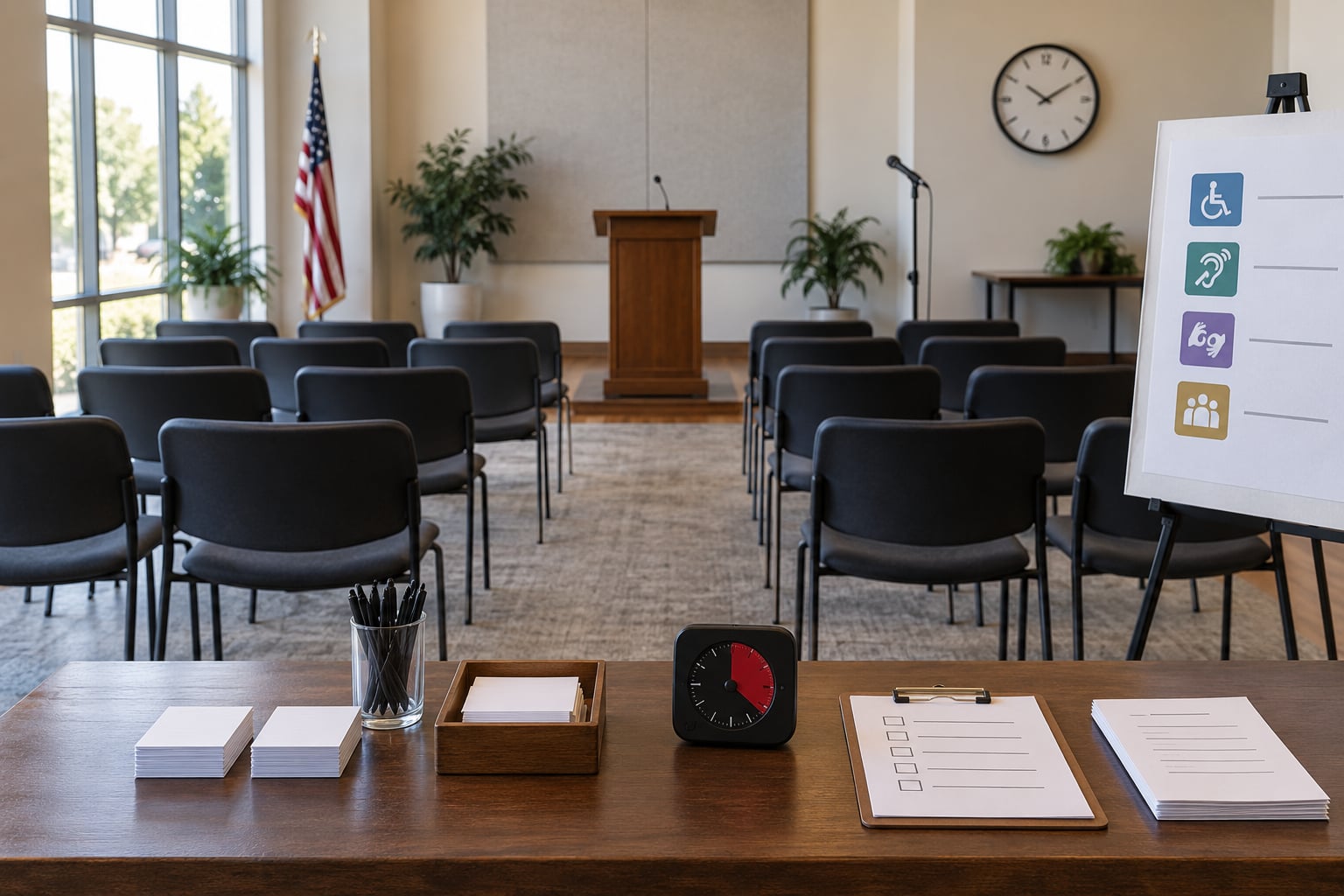
A town hall works when one person owns the plan, the purpose fits into a single sentence, and every comment from the room ends up somewhere written down. Learning how to plan a town hall meeting is mostly a matter of doing eight things in the right order: define the outcome, find the people, pick a format, solve access, build the agenda, promote it, moderate it, and close the loop. Give yourself four to six weeks for a public meeting and you will not be scrambling.
This guide works for a city council listening session, a school board forum, an HOA annual meeting and a neighborhood association night as well as it works for a company all-hands. The mechanics are the same. What changes is who has to be in the room and what happens to the answers afterward.
Table of Contents
- What You Need
- Step-by-Step: How to Plan a Town Hall Meeting
- 1. Define the purpose and desired outcome
- 2. Identify the community and decision-makers
- 3. Choose the meeting format
- 4. Select the time, venue, and accessibility supports
- 5. Invite speakers and prepare the agenda
- 6. Promote the meeting and gather questions
- 7. Facilitate an inclusive and focused discussion
- 8. Document decisions and follow through
- Common Mistakes
- Frequently Asked Questions
- How long should a town hall meeting last?
- Should a town hall meeting allow anonymous questions?
- Can a town hall meeting be held online or in a hybrid format?
- How do you handle difficult or disrespectful comments?
- What should organizers do after a town hall meeting?
- Conclusion
What You Need
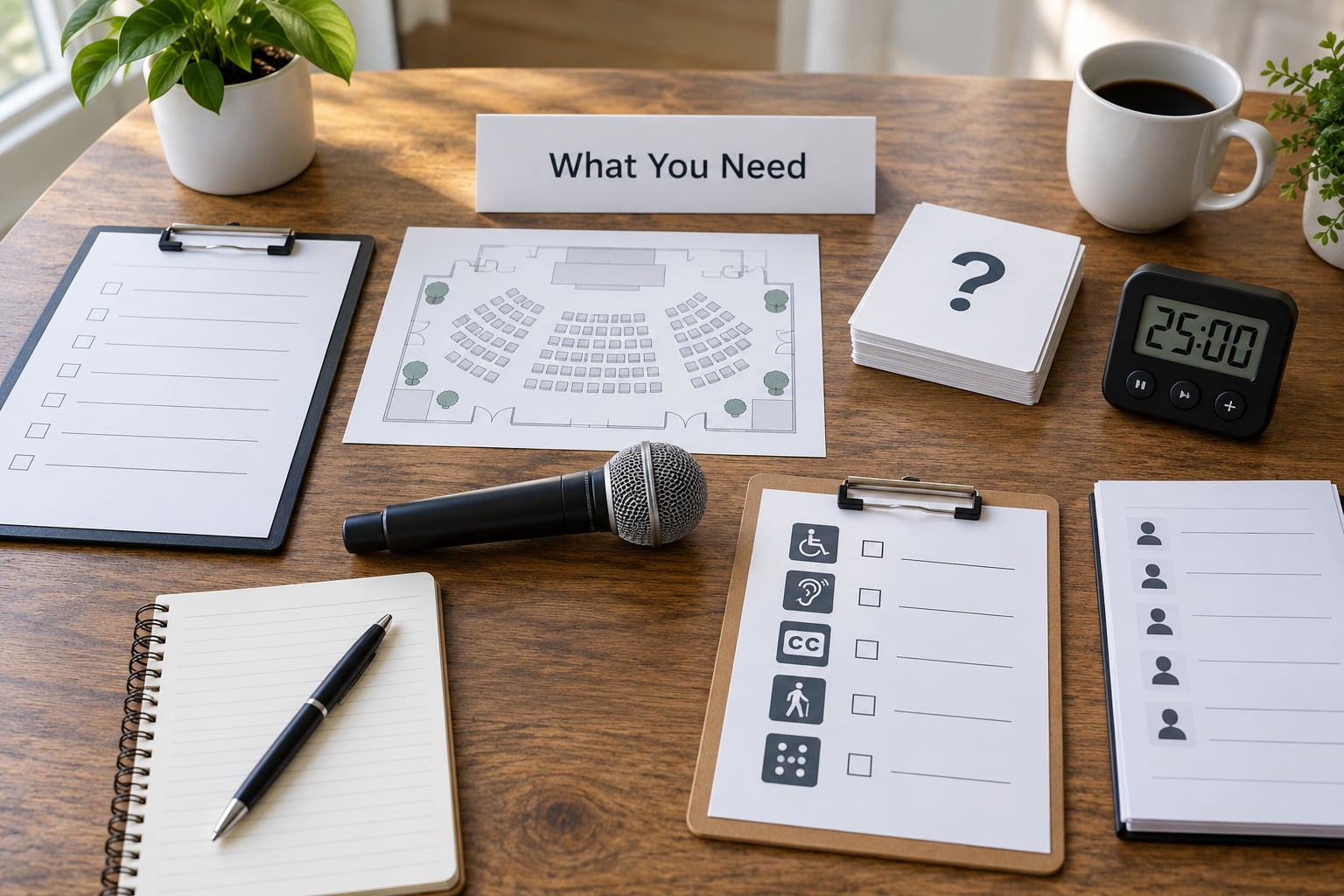
Before you promote anything, gather five things. Skipping this step is why meetings feel thin on the night. People show up ready to participate and there is nothing to participate with.
- A written purpose — one sentence naming the audience, the topic and the outcome. If it takes a paragraph, the meeting is doing too much.
- A decision map — a list of who can actually decide what. In a public meeting that is usually narrow: a council votes, an agency schedules, a board approves a budget line. Mark every other question as information or referral.
- Named people and backups — a moderator who is not a stakeholder, a note-taker, a timekeeper, a door host, an access contact, and a person who handles the microphone or question queue.
- Materials — an agenda with timings, a room map with accessible entrance and restrooms marked, question cards or a written submission option, a timer, signage, and a stack of printed follow-up contact details.
- Access provisions — interpretation or translation if more than a handful of regular attendees need it, captioning for remote participants, a quiet area, childcare if requested, and a named contact for accommodation requests with a stated deadline.
Add the communication channels you will actually use: flyers at libraries and community centers, a notice on your own site and social accounts, email or text reminders, and one or two trusted intermediaries who will actually talk to people. In neighborhood and municipal settings, a posted public notice is often a legal requirement rather than a courtesy, and the required lead time varies by jurisdiction. Check before you pick a date.
One more piece: a place for people who cannot attend in person to submit input in writing, with a deadline. That single channel does more for representation than any other thing on this list.
Step-by-Step: How to Plan a Town Hall Meeting
1. Define the purpose and desired outcome
Decide which of four meetings you are actually running: an informational presentation, a listening session, a decision-making meeting, or an accountability meeting. Mixing them is the most common planning error. People who show up expecting to be heard end up in a briefing, and they leave angry.
Write one specific outcome before anything else. Not “discuss the budget” but “publish a summary of the top five budget concerns within 14 days.” Then write the three questions the meeting must answer. Put both on the agenda you publish.
How you will know it worked: someone who was not in the room can read your agenda and describe what will happen and what comes out of it. If they cannot, the purpose is still too vague.
2. Identify the community and decision-makers
Make a list of four groups: who should attend, who can answer questions authoritatively, who is affected by the decision, and whose participation usually requires extra outreach. That last group is where public meetings quietly fail. Renters, shift workers, people with disabilities, families with young children and residents without reliable internet are routinely absent because the format was built for people who are already comfortable in a conference room.
Collect input before you finalize the agenda. Two weeks of email, phone calls to frontline staff, or a short survey will tell you what people actually want to ask, which is rarely what you assumed.
How you will know it worked: your list of affected groups is longer than your list of speakers, and you have a named contact for each group you cannot easily reach.
3. Choose the meeting format
Match the format to the purpose, expected attendance, sensitivity of the topic and the time you have.
- Open microphone works for 40 people or fewer and for low-stakes updates. It fails fast above that, because the same three people speak and the rest sit quietly.
- Small-group rotation works well for sensitive topics and larger rooms. Tables of six to eight, one facilitator each, then a report-out. It takes more setup and more moderator discipline.
- Panel with Q&A suits announcements and decisions that need explaining. It is the worst format for genuine listening, since speakers control the air.
- Workshop suits planning and budget work where people are producing something together.
- Hybrid or online extends reach to shift workers and caregivers, and it is how moderators handle a dominant in-room voice. It costs more in technical rehearsal.
How you will know it worked: you can name the format in the invitation along with how people will participate, so nobody arrives expecting a lecture and gets a workshop.
4. Select the time, venue, and accessibility supports
Pick a time that works for the people who historically show up, not the people who set the calendar. Weekday evenings are usually the compromise. Put the meeting on your existing calendar rhythm as well, so it becomes routine rather than an event.
For the venue, check step-free access, accessible restrooms, lighting, microphone coverage, seating that allows a wheelchair or walker to move through a crowd, and a visible but unobtrusive spot for a sign-language interpreter. Arrive an hour early and walk the room as a stranger would.
For access supports, publish the accommodation contact and the request deadline on the first announcement. Tell people what you can provide and what you cannot, rather than waiting for a request you cannot fill.
How you will know it worked: the door, the microphone and the question submission route have all been physically tested, and your remote attendees have tested their own audio and captioning setup in advance.
5. Invite speakers and prepare the agenda
Invite people who know the subject and can answer within their authority. Set expectations in writing beforehand: how long their opening remarks are, what evidence they will use, and that they will answer what falls within their role and refer the rest.
A simple 90-minute run of show works well: welcome and ground rules, 10 minutes; context and updates, 20 minutes; facilitated discussion and questions, 50 minutes; summary of what was heard and what happens next, 10 minutes. A rough guideline in meeting design is to spend the opening and closing 40 percent on framing and the middle on content. Adjust it so the discussion block is the biggest item on the page.
Publish the agenda at least a week ahead for a routine meeting, and two weeks for a contentious or legally noticed one. People who get the agenda in advance arrive ready to speak on substance instead of asking what the meeting is about.
How you will know it worked: every speaker has confirmed their time limit in writing, and the agenda fits on one page with timings next to each item.
6. Promote the meeting and gather questions
Promote the purpose, the date, the location, the access details and the participation methods together. Never publish a date without saying how people take part.
Offer at least three ways to contribute: in person, remote, and written. Add anonymous submission. People are far more candid when their name is not attached, and in public settings the questions they most need answered are often the ones they would not say out loud. Anonymous does not mean unmoderated. Tell submitters what you will and will not publish, and screen for personal information and abuse.
Send a reminder two or three days before, then a final one the morning of. Use plain language. Say who is speaking, what is being decided, what authority they have, and where the summary will be posted afterward. That last detail does more for attendance than any incentive you could offer.
How you will know it worked: by the day before, you already have more advance questions than you can comfortably fit into the discussion block, and you know the mix of topics.
7. Facilitate an inclusive and focused discussion
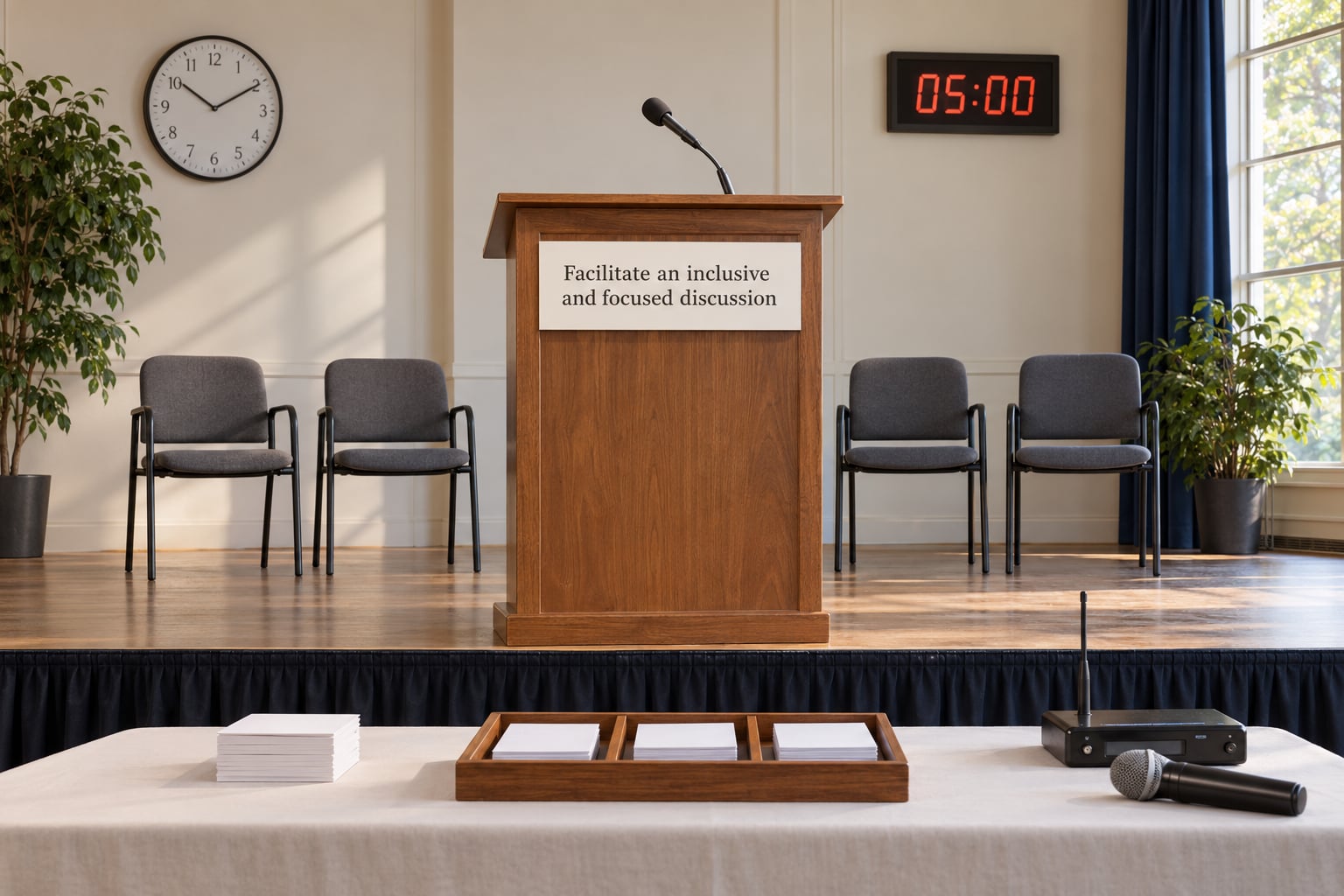
The moderator needs a short script, not improvisation. Most moderators prepare a welcome, two ground rules, the running order, and three sentences for handling heat. Everything else can flex.
Ground rules worth stating out loud: one question at a time, no interruptions, and speakers who need more time should say so rather than abandon it. Enforcement matters more than the wording. People on local forums describe time limits that are announced but never applied, which is worse than having no limit at all.
Prioritize questions using a simple visible method — written cards grouped by theme, or an upvoted digital queue where everyone sees the order change. Transparency here does more for trust than any opening remarks.
When a question falls outside the panel’s authority, give the honest answer: who owns it, and when people will hear back. An organizer who says “I don’t know, but I’ll find out and report at the next meeting” earns more trust than one who improvises. When someone dominates, thank them, restate the question to the room, and move on. A second speaker rarely needs a full minute to make the same point.
Keep a visible clock. A timekeeper whose only job is to raise a card at five minutes remaining solves most pacing problems before they happen.
How you will know it worked: more than two or three people spoke in the discussion block, and every question on your list was answered, deferred with a date, or logged as unresolved.
8. Document decisions and follow through
While the meeting runs, your note-taker should be recording four things: recurring concerns, questions nobody answered, commitments made, and anything referred elsewhere. Take photos of the written question cards or export the digital queue before the session ends, while the trail still exists.
Within a week, publish a summary that separates what was decided from what was discussed. That distinction is the single most requested thing in community feedback about public meetings, and blurring it is what makes people assume the decision was made before anyone spoke.
Then keep a visible update log. A simple table with the commitment, the owner and the date does more than a newsletter ever will. If you can schedule recurring checkpoints, do. People on forums notice consistency far more than eloquence: officials who show up repeatedly build more credibility than officials who host one polished event.
How you will know it worked: every commitment has a name and a date attached, and the summary is linked from the same channels you used to announce the meeting.
Common Mistakes
Starting without a purpose. If nobody can state the outcome in one sentence, cancel and clarify. A meeting that exists to broadcast information can be an email, and residents know the difference.
Expecting only the usual voices. Plan for the audience you want, not the audience you already have. Outreach to renters, shift workers and caregivers before the meeting, not on the day of it.
Overloading the agenda. Six topics in 90 minutes means six rushed items and no real discussion. Cut to three and publish the rest as written material.
Letting one speaker run the room. Set the time limit, apply it evenly, and use a visible queue. A moderator who is not a stakeholder is far more willing to interrupt the powerful person in the room.
Treating accessibility as an add-on. Ask about interpretation and captioning needs when you announce the meeting, not after someone cannot follow on the night.
Promising decisions you cannot make. Bring a decision map and say out loud who can decide what. You can commit to publishing, scheduling and answering. Do not commit to outcomes that belong to a council, a board or a budget cycle.
Ending without follow-through. An unanswered question does more damage than an unwelcome answer. Close the loop even when the answer is no, because silence reads as dismissal.
Three short practices help more than any of the fixes above. Facilitation: rehearse the handoffs out loud once, because most failures happen in transitions. Outreach: ask every partner organization to make one specific ask, since “please spread the word” produces almost nothing. Documentation: write notes during the meeting, not from memory afterward, because memory favors the loudest voice in the room.
Frequently Asked Questions
How long should a town hall meeting last?
Most public town halls run 60 to 90 minutes, and that range works better than longer sessions. Forty-five minutes suits a single-topic update. Ninety minutes fits a full discussion block plus Q and A. If you need more, run two meetings on the same agenda at different times rather than one marathon, since attention drops sharply after the 90-minute mark.
Should a town hall meeting allow anonymous questions?
Yes, in most cases. Anonymous submission raises question volume and candor, especially in rooms where people worry about being ignored or identified. Set the ground rules up front: screen out personal information and abuse, explain what will be published, and confirm that anonymity does not protect anyone from content rules. Read the anonymous questions out loud so everyone hears them.
Can a town hall meeting be held online or in a hybrid format?
Both work, and hybrid usually reaches the most people. Online access brings in shift workers, caregivers and residents with mobility limits, and it takes some pressure off anyone uncomfortable speaking in a formal room. Hybrid adds real work: rehearse with the remote moderator, test captioning and audio, and give remote participants a genuine way to get questions into the queue, not a passive chat window.
How do you handle difficult or disrespectful comments?
Neutral, consistent, and briefly documented is the standard that works. Apply the same time limits and conduct expectations to everyone, including familiar faces. When a comment turns personal, name the behavior, restate the question in neutral language, and move on without a long exchange. Train your moderator and, where local rules require it, involve your code of conduct contact before removing anyone.
What should organizers do after a town hall meeting?
Publish a written summary within a week that clearly separates what was decided from what was discussed. List every recurring concern, every unanswered question, and every commitment with a named owner and a date. Then keep a public update log and report back at the next scheduled meeting, even when the update is that nothing has changed yet.
Conclusion
Start with three decisions and the rest of the plan follows: one written outcome, the format that fits it, and a named person who owns the follow-up. Everything else in how to plan a town hall meeting is detail, and the detail matters most where people can feel it — the door that opens without steps, the question answered honestly, the summary that shows up on time next week.
Trust in these meetings is not built by the meeting itself. It is built by what happens on the calendar after it.